



October 26, 2026

The fastest route to a publishable video podcast is a synced multi-track edit with mastered audio, burned-in captions, and a batch of social clips pulled straight from the transcript. Most creators should start with transcript-first editing since it cuts hours off clip selection. If you publish weekly, need consistent brand polish, or simply don’t have the hours, hiring a professional editor or agency is worth the cost.
TL;DR:
- Transcript-driven editing significantly speeds up clip selection, reducing editing time, especially for social media snippets.
- Multi-camera sync with ISO recordings and thorough pre-edit organization prevent delays and ensure high-quality results.
- Outsourcing to a professional agency is advisable when publishing weekly or more often, to maintain consistent quality and branding.
- Social clips should be cropped to vertical formats, include captions, and target short durations for TikTok, Instagram Reels, and YouTube Shorts.
- Using unlicensed music or footage risks content removal or demonetization; licensed or royalty-free media is essential for safe, legal publishing.
Table of Contents
- Quick Podcast Video Editing Checklist
- Which Editing Tools Fit Your Workflow?
- How Do You Edit a Multi-Camera Podcast Episode?
- When Should You Hire a Video Podcast Editing Agency?
- How Do You Turn a Podcast Episode Into Social Clips?
- What Does DIY vs Professional Editing Actually Cost?
- Common Podcast Video Editing Mistakes to Avoid
- Do You Need Music Licensing for a Video Podcast?
- Agency Perspective: Common Bottlenecks and How We Fix Them
- How Idea Stream Marketing Handles Your Podcast Video Editing
- Sources
- FAQ
Quick Podcast Video Editing Checklist
Before you open any timeline, get organized. A messy project folder is where most editing delays actually start, not the editing itself.
- Back up raw files immediately (camera cards, ISO audio tracks, screen recordings) to two locations.
- Sync multi-track audio and video using timecode or waveform matching, then label every ISO track by speaker.
- Rough cut first: remove dead air, long pauses, and off-topic tangents before touching anything else.
- Repair audio with noise reduction, EQ, and compression before you worry about visuals.
- Fine cut for pacing using L-cuts and J-cuts, match color across cameras, and drop in lower thirds or graphics.
- Generate captions, export the full episode, then pull your social clips last.
That order matters. Editing audio after picture lock wastes time because every cut you made now needs re-leveling.
Which Editing Tools Fit Your Workflow?
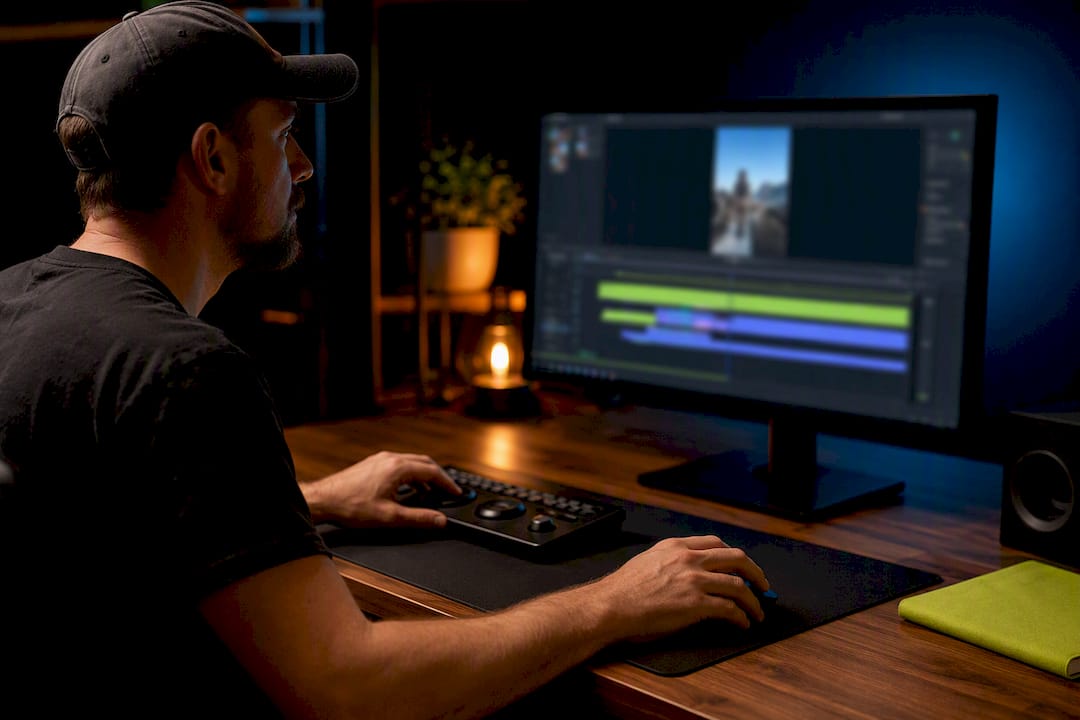
Tool choice depends on how many cameras you run and how much control you want over color and pacing. Non-linear editors like Adobe Premiere Pro and DaVinci Resolve give you the deepest control over multi-camera sequences and color grading, but they carry a real learning curve for anyone new to a timeline-based interface.
Text-based and AI-assisted editors work differently. Tools in this category, including Streamlabs’ podcast editor, let you cut by deleting words in a transcript instead of scrubbing a timeline, which speeds up rough cuts dramatically. User reviews of these platforms note real speed gains but also flag limits handling complex multi-cam reframing and color matching, so a human still needs to check the output.
- NLEs (Premiere, Resolve): best for multi-cam sync, color, and detailed audio mixing.
- Text-based editors: fastest for rough cuts and transcript-driven trims; weaker on visual polish.
- DAWs (Pro Tools, Reaper): dedicated audio repair and mastering when podcast sound quality is the priority.
- Remote-recording platforms with local ISO capture: the biggest factor in how easy your sync step will be later.
The fastest DIY combination is usually a remote platform that records local ISO files, paired with a text-based rough cut and a short NLE pass for color and titles.
How Do You Edit a Multi-Camera Podcast Episode?
A clean workflow starts before you even open your editing software.
- Set up your project. Name files consistently, build a folder structure (Raw, Audio, Exports, Captions), and write a one-line production brief describing the episode’s angle and target clip count.
- Sync your tracks. Timecode sync is the most reliable method if your cameras and recorder support it; waveform sync works as a backup. Play back the first 30 seconds to confirm lip sync before you commit.
- Rough cut from the transcript. Read through the transcript first and mark candidate cuts and clip moments directly in the text. This is faster and more reliable than scrubbing waveforms, since reading a transcript surfaces hook lines you’d otherwise miss on a timeline.
- Fix the audio. Remove background noise, set consistent peak targets, then apply EQ and light compression across every speaker.
- Polish the picture. Match color between cameras, add lower thirds, and drop in B-roll only where it supports the story.
- Export everything. Generate an SRT caption file for the main episode and burned-in captions for social clips, then export multiple aspect ratios with a clear filename convention (episode number, platform, date).
Pro Tip: Mark your rough cut candidates during the recording session itself, not after. A quick note in your phone or a producer’s log saves you from re-listening to an entire hour later.
When Should You Hire a Video Podcast Editing Agency?
Three signals usually mean it’s time to outsource: you’re publishing weekly or more, you need B2B brand consistency across every episode, or you simply don’t have an in-house editor. Agency guides on B2B podcast production consistently point out that consistent color grading and accurate captions are what separate a professional show from a DIY one.
A full-service agency deliverable typically includes:
- Multi-camera sync and a mastered audio track
- Color-corrected footage with lower thirds and brand graphics
- The complete episode exported in your publishing format
- Six to ten social clips cut for vertical platforms
- Captions, show notes, and a full transcript
Professional podcast production work commonly runs 4 to 8 hours of post-production per episode for full deliverables, with most agencies quoting a 24 to 72 hour turnaround depending on episode length and clip count. When you’re evaluating a quote, ask what’s included in that window and what counts as a rush fee, since turnaround promises without a defined scope tend to slip.
How Do You Turn a Podcast Episode Into Social Clips?
A single hour-long episode can yield 8 to 15 usable short clips when moments are chosen with intent rather than grabbed at random. Work from your transcript to shortlist candidates. Look for three clip types: a sharp insight, a short personal story, or a moment of genuine disagreement between speakers.
Editing for social works differently than editing the main episode. Start the clip on the strongest line you have, not the setup, and end on a complete thought rather than a hard cutoff.
- Crop to 9:16 and keep faces and text inside the safe middle third of the frame.
- Burn in captions since most viewers watch on mute.
- Target 30 to 60 seconds for TikTok and Instagram Reels, and 45 to 90 seconds for YouTube Shorts.
- Batch your exports by aspect ratio to avoid re-rendering the same clip four separate times.
AI clip generators can speed up the first pass by surfacing candidate moments automatically, but they still need human editorial review to make sure a clip actually makes sense out of context.
What Does DIY vs Professional Editing Actually Cost?
Time is the real cost of DIY editing, and it adds up faster than most first-time editors expect.
- DIY editing typically runs several hours of work for every hour of raw footage, depending on camera count and how much cleanup the audio needs.
- Professional editing commonly takes 4 to 8 hours per episode for a full deliverable package, handled by someone who already knows the software.
- Pricing rises with camera count, total clip volume, and rush turnaround requests.
- Per-episode pricing works well for occasional shows; a retainer model tends to make more sense once you’re publishing on a fixed weekly schedule.
Compare quotes on deliverables first, price second. A cheaper quote that skips captions or social clips isn’t actually cheaper once you add the work back in yourself.
Common Podcast Video Editing Mistakes to Avoid
Most editing problems trace back to decisions made during recording, not in the timeline.
- Never live-switch a multi-camera show. Record ISO files locally so you keep every editing option in post.
- Set conservative audio peaks, generally around negative 12 dB, and stay well clear of negative 6 dB, then write down your gain settings so every episode matches.
- Mark potential clip moments while you’re recording, not after the fact.
- Proof every caption on your hero clips before they publish. Auto-generated captions still misread names and industry terms often enough to matter.
Pro Tip: Keep a running gain and color reference sheet for your show. It turns a 20 minute matching job into a 2 minute one on every future episode.
Do You Need Music Licensing for a Video Podcast?
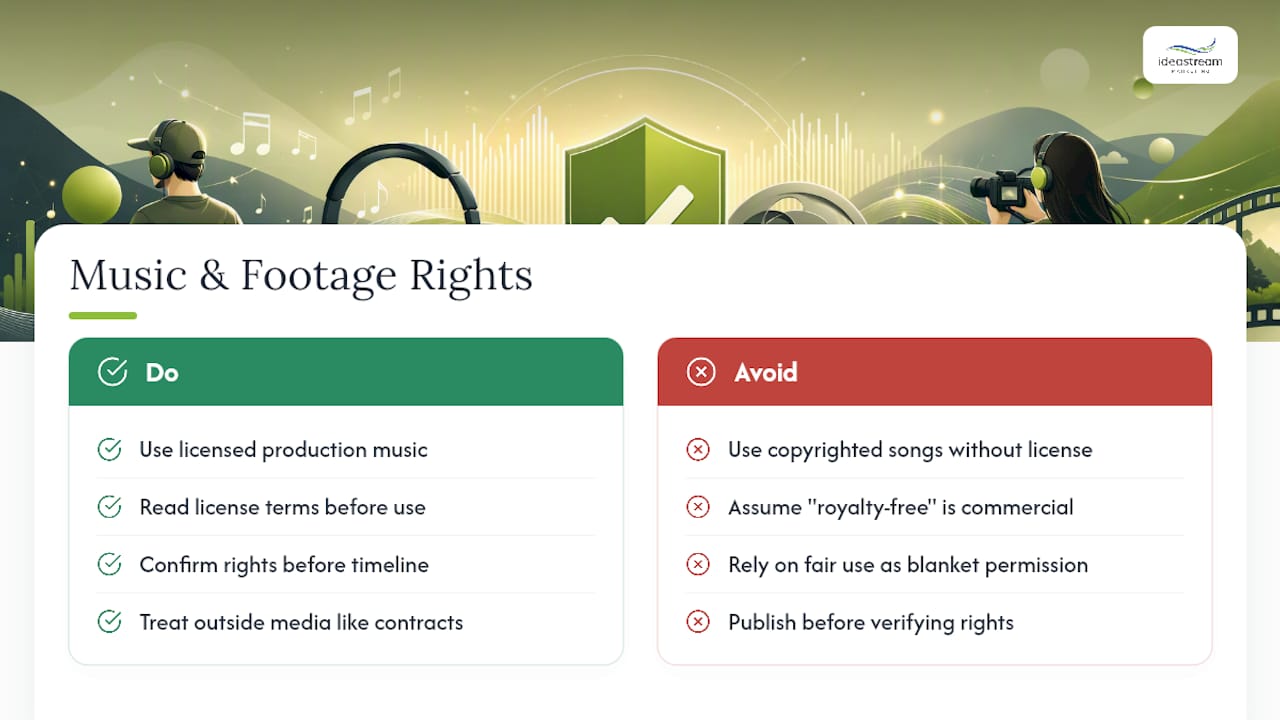
Using a copyrighted song in your podcast without a license is one of the fastest ways to get an episode muted or removed, especially once it’s cut into clips and uploaded to multiple platforms. YouTube’s Content ID system and similar tools on Meta’s platforms scan uploaded audio automatically, and a claim can strip your monetization or take the video down entirely, even if the song only plays for a few seconds in the background of a clip.
The safest path is licensed production music from a stock library built for commercial use, where the license terms are clear and you own proof of that license. Royalty-free doesn’t always mean free to use commercially, so read the license terms on any track before it goes into your show, not after you’ve already published ten episodes with it.
The same caution applies to any copyrighted footage, film clips, or news broadcasts you might want to use as B-roll or reaction material. Fair use is a narrow legal defense, not a blanket permission, and it depends heavily on how much you use and why. If your show is built around a brand and a business goal, treat every piece of outside media the same way you’d treat a contract: confirm the rights before it goes into the timeline. When a client asks Idea Stream Marketing to source music or footage for a branded episode, licensed libraries are the standard, not an afterthought.
Agency Perspective: Common Bottlenecks and How We Fix Them
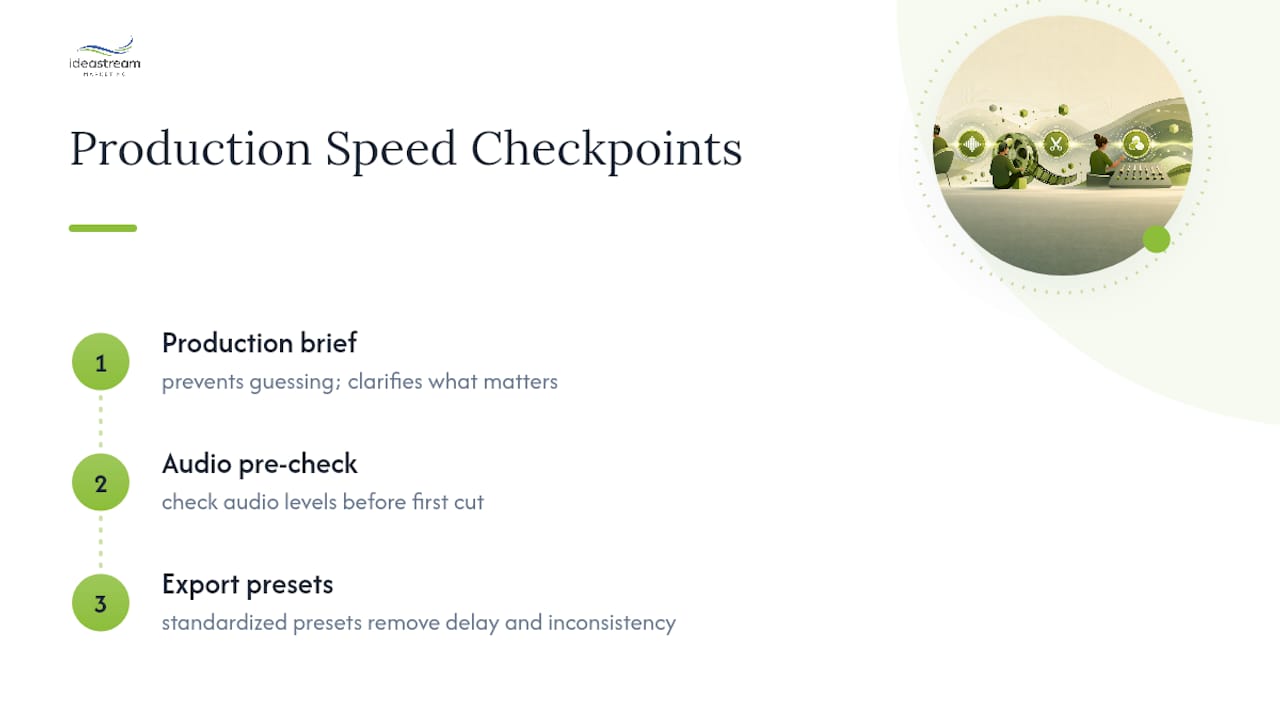
The most frequent bottleneck we see isn’t editing skill. It’s a missing production brief, which turns every episode into a guessing game about what matters. A one-line brief, a pre-check on audio levels before the first cut, and standardized export presets remove most of the delay and inconsistency that stall a show’s publishing schedule.
How Idea Stream Marketing Handles Your Podcast Video Editing
If weekly episodes are eating your production time or your show needs the kind of polish that keeps a B2B audience watching, podcast production built for that exact problem is worth a look. Idea Stream Marketing edits full episodes with synced multi-camera footage, mastered audio, and consistent color, then cuts each episode into a batch of social-ready clips with captions already burned in.
When you request a quote, ask for specifics: how many clips per episode, what the turnaround window looks like, and whether captions and show notes are included in the base package rather than billed separately. Getting those answers up front saves you from a surprise invoice later. If you’re ready to see what a full production package looks like for your show, schedule a consultation and bring your last three episodes so we can show you exactly what a professional pass would change.
Sources
- How to Repurpose a Video Podcast for Social Media – Podwave Studios
- Repurposeyourcontent
- Video Podcast Editing Service for B2B Teams: Full Guide | Pixel8 Production
- Recapo
- How to make viral podcast clips for social media (Step-by-Step, 2026) | Transcriptr
FAQ
What Do Podcasters Use to Edit Videos?
Most podcasters use a mix of a non-linear editor like Premiere Pro or DaVinci Resolve for color and multi-camera sync, plus a text-based or transcript-driven tool for fast rough cuts and clip selection.
Does Joe Rogan Edit His Podcasts?
Joe Rogan’s show runs with a dedicated production team handling multi-camera capture and post-production rather than a single-person DIY edit, which is standard for any show at that publishing volume.
How Long Should It Take to Edit a 30 Minute Podcast?
A DIY edit of a 30-minute episode often takes a few hours depending on camera count and audio cleanup needed, while professional services typically budget 4 to 8 hours for a full episode with social clips included.

