



October 21, 2026




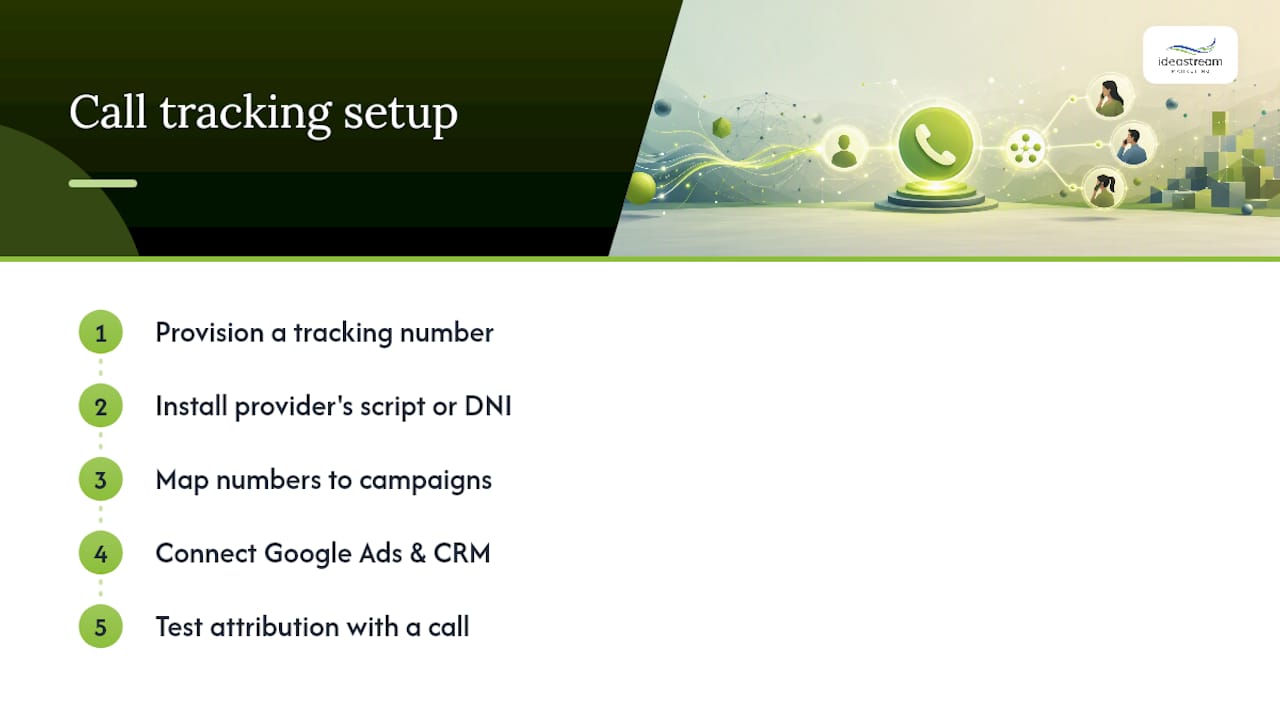
Getting call tracking setup right comes down to five moves: provision a tracking number, install the provider’s script or dynamic number insertion, map every number to a specific campaign, connect the data to Google Ads and your CRM, then place a test call to confirm it all works. Start by checking three references: a managed platform like CallRail, Google’s own forwarding-number system for search ads, and Housecall Pro if you already run service jobs through it.
- Provision your first tracking number today
- Install the JavaScript snippet (or push it through Google Tag Manager)
- Map each number to one campaign or channel
- Connect Google Ads and your CRM
- Place a test call before you trust the data
Key Takeaways
Accurate call attribution depends on dynamic number insertion, correct GCLID capture, and a tested campaign-mapping structure working together, not any single piece alone.
| Point | Details |
|---|---|
| Start with the essentials | Enable number provisioning, DNI, basic routing, and Google Ads integration before adding transcription or advanced analytics. |
| Size your number pool correctly | Base your pool on peak concurrent visitors, not average traffic, to avoid session collisions. |
| Capture GCLID for Google Ads | Store the click ID with each session so offline conversion imports and Smart Bidding work reliably. |
| Test before you trust the data | Visit a tracked page, confirm the number swap, place a call, and verify the record before scaling up. |
| Hire help for complex setups | Idea Stream Marketing manages DNI installation, Google Ads conversion imports, and CRM mapping for SMBs that need it done right the first time. |
Vendor Docs Worth Bookmarking
- Google Ads call conversion setup if you’re routing tracking through search ads
- CallRail’s getting-started guide for a general platform walk-through
- Housecall Pro’s call tracking setup doc if you already run service jobs there
- VeloCalls’ DNI guide for pool sizing and session persistence details
Table of Contents
- What You Need Before You Start Call Tracking Setup
- How Do You Install Call Tracking Software Step by Step?
- How Do You Set Up Call Tracking for Google Ads?
- Where Else Should You Add Tracking Numbers?
- How Do You Test Your Call Tracking Setup?
- What Does Call Tracking Software Cost?
- Should You DIY Call Tracking or Hire Help?
- What Actually Changes Once Call Tracking Goes Live
- Get Call Tracking Running Without the Trial and Error
- Sources
- FAQ
What You Need Before You Start Call Tracking Setup
Before you touch a dashboard, gather three things: accounts, assets, and decisions. You’ll want your call-tracking provider account, a Google Ads account with auto-tagging switched on, CRM login access, and Google Tag Manager if your site already uses it. Have your current business phone numbers, website CMS access, a UTM naming convention, and a list of every channel you advertise on (search, social, print, directories) ready to go. Then decide: static or dynamic number tracking, how many concurrent visitors your site sees at peak, and what your call recording consent policy looks like.
Pro Tip: Turn on only the essentials at first, number provisioning, dynamic number insertion, basic routing, and Google Ads integration. Add transcription and advanced analytics once the core setup is proving out, a sequence Nimbata’s small-business guide recommends for exactly this reason.
How Do You Install Call Tracking Software Step by Step?
Most call tracking software installation follows the same skeleton, whether you pick a dedicated platform or a service-industry tool like Housecall Pro. Here’s the sequence that gets you from zero to reporting data.
- Provision your tracking numbers. Local numbers work for regional service businesses; toll-free numbers suit national brands; geo-specific numbers help multi-region campaigns report separately. A typical small-to-midsize site does not need dozens of numbers up front; a modest pool tied to your top channels is usually enough to start.
- Install the script. Deploy the provider’s JavaScript snippet site-wide in your header, or push it through a custom HTML tag in Google Tag Manager. CallRail’s setup guide frames this as the second step after creating your number, right before configuring routing and notifications.
- Enable dynamic number insertion (DNI). DNI swaps the displayed number based on the visitor’s session, so each unique visitor sees a number tied to the channel that brought them there. Without it, website calls almost never map back to the specific campaign or keyword that generated them.
- Set your destination number and routing rules. Decide where calls forward: a front desk during business hours, round-robin across a sales team, or overflow to voicemail after close.
- Apply a consistent naming convention. Something like
channel_campaign_medium_numbercodekeeps your reports readable once you have more than a handful of numbers running. - Verify the swap, map numbers to campaigns, turn on recording or transcription, and connect your CRM.
- Confirm the script fires on every landing page, not just the homepage
- Check that DNI actually swaps the visible number for a new session
- Map each number to its campaign before you launch, not after
Pro Tip: Size your number pool to your peak concurrent visitors, not your average traffic, and set session persistence around 30 minutes. That’s the range VeloCalls recommends, and it prevents two visitors from colliding on the same number during a traffic spike.
How Do You Set Up Call Tracking for Google Ads?
You have two real paths for call tracking for Google Ads. Vendor-side DNI paired with offline conversion import gives you the richest attribution. Google’s own forwarding numbers give you a simpler, native option when you don’t need cross-channel detail.
- Capture the click ID. Store the GCLID from each ad click alongside the visitor’s session, since associating GCLID with the eventual call record is what makes offline conversion imports and Smart Bidding work reliably.
- Import the conversion. Push completed calls back into Google Ads as offline conversions, tied to that stored GCLID.
- Or enable Google forwarding numbers. Google’s own documentation walks through creating a phone-call conversion action and deploying the tag, which swaps in a Google-provided number automatically for ad traffic.
- Choose vendor DNI + import if you need attribution across search, social, and offline media in one dashboard
- Choose Google forwarding numbers if your calls come almost entirely from paid search and you want a lighter lift
- Confirm your GTM container fires the GCLID-capture tag on every landing page before you launch anything
Where Else Should You Add Tracking Numbers?
Your website isn’t the only place a phone number lives. Add tracking numbers to your Google Business Profile, social ad campaigns, email signatures, print materials, radio spots, and directory listings, each mapped to its own source.
- Don’t swap every public number at once without testing first; roll out one channel, confirm it works, then expand
- Do use a static, source-level number for offline media like print and radio, since there’s no session to trigger DNI
- Do reserve DNI for website traffic, where session-based swapping actually applies
- For multi-location businesses, assign a distinct number per location, then layer channel-level numbers on top of that if you’re running location-specific ads
How Do You Test Your Call Tracking Setup?
Run every new setup through the same test sequence before you trust a single report.
- Visit your tracked landing page using a real UTM-tagged link
- Confirm the DNI script swaps in a new number for that session
- Place a call from a separate phone
- Check that the call record captured the UTM parameters and click ID
- Confirm forwarding routed correctly to your destination number
Vendor documentation across platforms points to this same sequence: visit, swap, call, verify.
- Missing script on a key landing page is the most common attribution failure
- A number pool that’s too small causes visitor collisions during traffic spikes
- Single-page apps can lose session cookies on route changes, breaking DNI mid-visit
- Ad blockers sometimes strip tracking scripts entirely, so test in a clean browser too
- For Google Ads mapping issues, check for a missing GCLID, a delayed import, or a conversion window that’s too narrow
- Confirm recordings and transcripts are actually saving, and that your consent messaging matches your state’s recording requirements
What Does Call Tracking Software Cost?
Pricing scales with three levers: how many numbers you run, how many minutes and how much recording storage you use, and whether you add transcription or AI features on top. Integration fees for CRM or Google Ads syncing sometimes apply separately. A business running a handful of numbers with basic routing and no transcription sits at the low end; add multi-location number pools, call recording storage, and AI transcription, and the monthly cost climbs from there.
- Entry-level platforms handle number provisioning and basic routing well, which suits a single-location business testing the waters
- Marketing-focused platforms add DNI, transcription, and native Google Ads and CRM integrations, worth it once you’re running multiple campaigns simultaneously
- Estimate your monthly cost by starting with your expected number pool size, then layering in call volume and any recording or transcription needs
Should You DIY Call Tracking or Hire Help?
Handling call tracking setup yourself makes sense if you have someone comfortable in Google Tag Manager, you’re running a single location, and your campaigns are simple enough that basic routing covers your needs. Hiring outside help makes more sense once you’re managing multiple locations, need CRM field mapping done correctly the first time, or don’t have the bandwidth to monitor reporting on an ongoing basis.
- Ask any agency or consultant for specifics: DNI installation across every landing page, Google offline conversion import, CRM field mapping, and a plan for ongoing monitoring
- Dean and the team at Idea Stream Marketing handle exactly this kind of managed digital marketing implementation for SMBs who’d rather not own the technical maintenance
What Actually Changes Once Call Tracking Goes Live
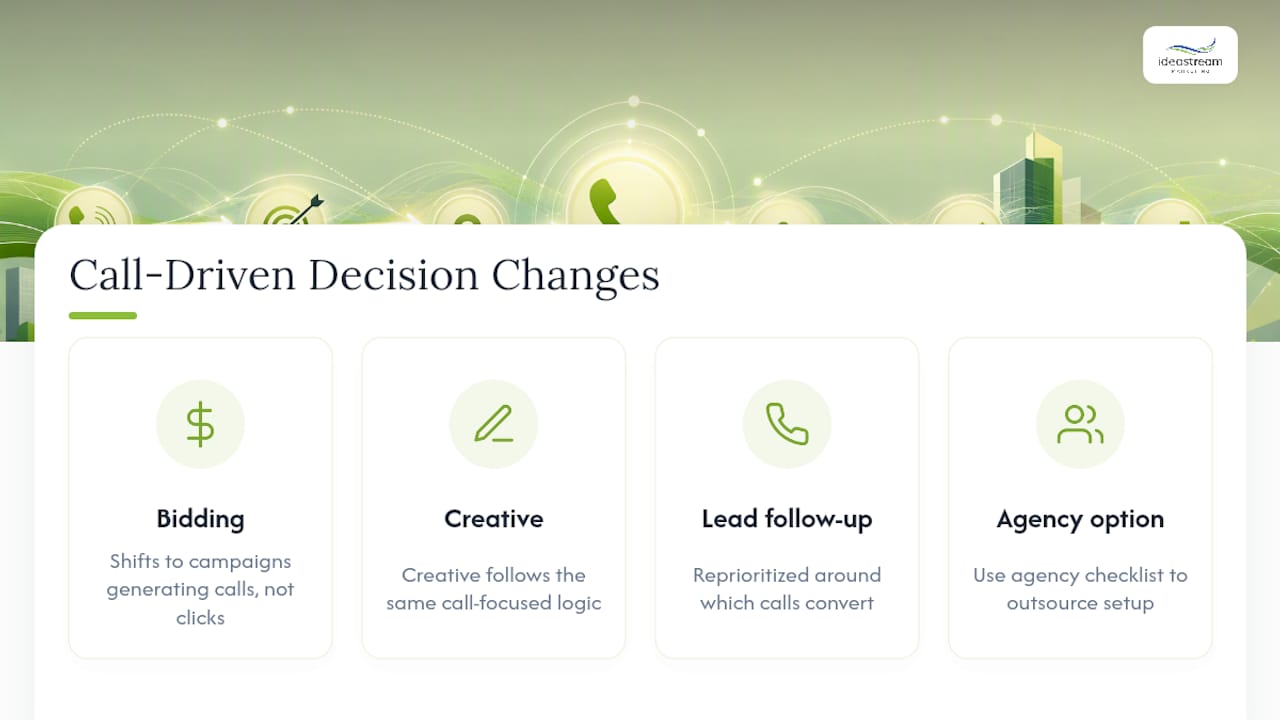
The real shift happens once call data starts feeding back into your ad platform and CRM together. Bidding adjusts toward the campaigns generating calls, not just clicks. Creative decisions follow the same logic. Lead follow-up gets reprioritized around which calls actually convert. If you’d rather have someone else own that setup, the agency decision checklist above is the place to start.
Get Call Tracking Running Without the Trial and Error
Idea Stream Marketing handles the technical setup that trips up most SMBs on their own, DNI installation across every landing page, Google Ads offline conversion imports tied to your GCLID data, CRM field mapping so calls land where your sales team actually looks, and reporting dashboards that show which campaigns are generating real phone leads, not just clicks.

That means you skip the missing-script errors, the undersized number pools, and the weeks of guessing why a call didn’t attribute correctly. Our team also connects call data into your broader PPC campaigns and lead generation workflows, so calls feed directly into your sales pipeline instead of sitting in an isolated dashboard. If your lead follow-up process needs automating once calls start rolling in, pairing this with an automated follow-up workflow closes the loop from ad click to closed deal.
Ready to get your call tracking connected the right way the first time? Reach out to our digital marketing team and tell us which platforms you’re already running, we’ll map out the setup from there.
Sources
- Set up Tracking calls to a phone number on a website
- Getting started with call tracking
- Set Up Call Tracking for the First Time
- How to Set Up Call Tracking for Your Business (Step-by-Step) | VeloCalls Blog
- Call tracking for small businesses
FAQ
How Do I Set Up Call Tracking?
Provision a tracking number, install the provider’s script or DNI, map each number to a campaign, connect Google Ads and your CRM, then place a test call to confirm attribution works before you launch fully.
How Much Does Call Tracking Cost?
Cost depends on how many numbers you run, your call volume and recording storage needs, and whether you add transcription; entry-level setups cost less than platforms with full DNI, transcription, and native CRM integrations.
What Are the Best Call Tracking Platforms?
CallRail and Housecall Pro are common starting points, and Google’s own forwarding numbers work well if most of your calls come from paid search; the right choice depends on how many channels you need to attribute.
How Do I Track Another Phone Call Beyond My Website?
Assign a static, source-level tracking number to each offline channel, print, radio, directory listings, and Google Business Profile, so calls from those sources report separately from your website’s dynamic numbers.
Should I Handle Call Tracking Setup Myself or Hire an Agency?
DIY works for a single location with simple routing needs; hire help once you’re managing multiple locations, need CRM mapping done correctly, or don’t have time to monitor ongoing reporting, which is exactly where Idea Stream Marketing’s managed setup fits.

